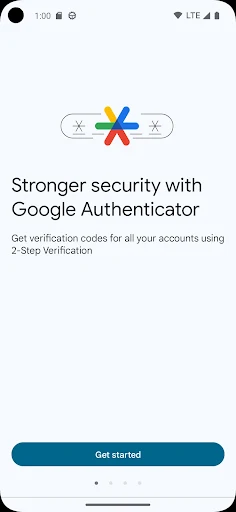
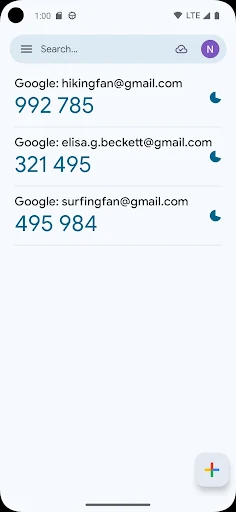
Signing into online accounts often leaves services exposed if a password is compromised, but Google Authenticator mitigates this by generating local verification codes for two-step verification. When a supported service asks for a second verification step, you enter a code from the app alongside your password. The tool produces these verification codes entirely on your phone without requiring an active cellular connection or network access, making it operational even in disconnected environments.
Account Setup and Transfer Options
Adding new profiles relies on your device camera, which scans a provider’s QR code to configure the entry automatically without manual data entry. Beyond handling initial setups across multiple distinct accounts within a single interface, the utility lets you export and transfer existing accounts directly to a new device using an on-screen QR code.
Code Generation and Cloud Synchronization
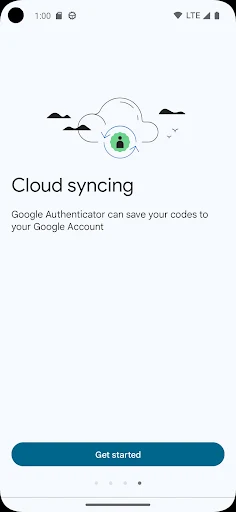
The tool accommodates both time-based and counter-based code generation methods depending on what a specific service demands. To safeguard against hardware loss, users can sync their authenticator codes with their Google Account, maintaining access to the verification tokens across several personal devices. To implement Google Authenticator for your primary Google sign-ins, you must first enable 2-Step Verification through the dedicated Google account security settings.